
Working Remotely Abroad? Don't Let Bad Wi-Fi Ruin Your Trip
October 18th, 2026, Posted by travelwith2ofus
 Tweet
Tweet
Working remotely while travelling sounds like the perfect arrangement. You can finish your morning tasks overlooking the sea, take a video call from a city apartment and explore somewhere new after closing your laptop.
But there is one problem that can quickly spoil the experience, and trust me, I've experenced it: unreliable internet. A hotel connection drops just before a meeting. The café Wi-Fi struggles when several people get online.
You need to send an important file while travelling between destinations, but the connection keeps cutting out. If your job depends on being online, these interruptions can turn a dream trip into a stressful working day.
The solution starts before you pack your laptop. With a little preparation and a suitable mobile data plan, you can make working abroad more manageable while leaving your room to enjoy the destination. Try these.
We (travelwith2ofus.com) have links to product and services from our affiliates. We may receive compensation when you click on those links, at no cost to you of course.
1. Never Assume Your Accommodation Has Good Wi-Fi
A hotel or holiday rental advertising free Wi-Fi does not necessarily mean the connection will be suitable for your work. It might be fine for browsing and checking email but struggle with video meetings, large file uploads or several connected devices.
The signal may also be weaker in your room than in the lobby. Before booking accommodation for a work trip, ask about the internet connection. If you need to attend video calls, ask whether the connection is suitable for video conferencing and whether a wired connection is available.
Recent guest reviews can offer useful clues, although they cannot guarantee the quality you will experience. If possible, have a backup location in mind. A coworking space, business centre or another suitable workspace could help if your accommodation's connection fails.
2. Video Calls Need More Than a Working Connection
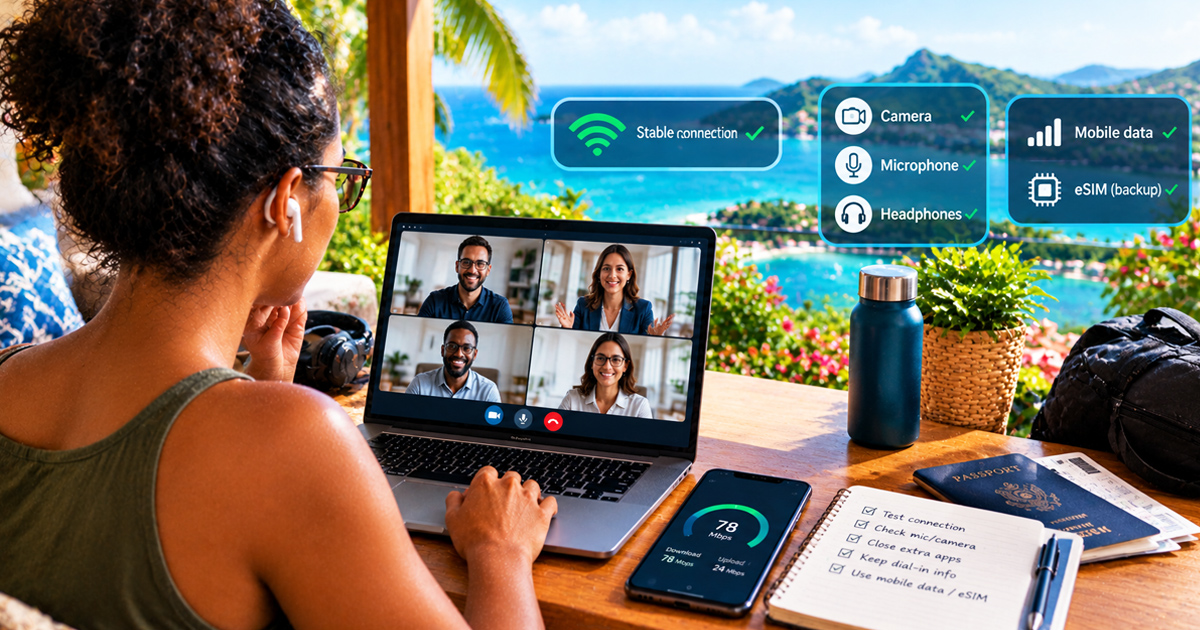
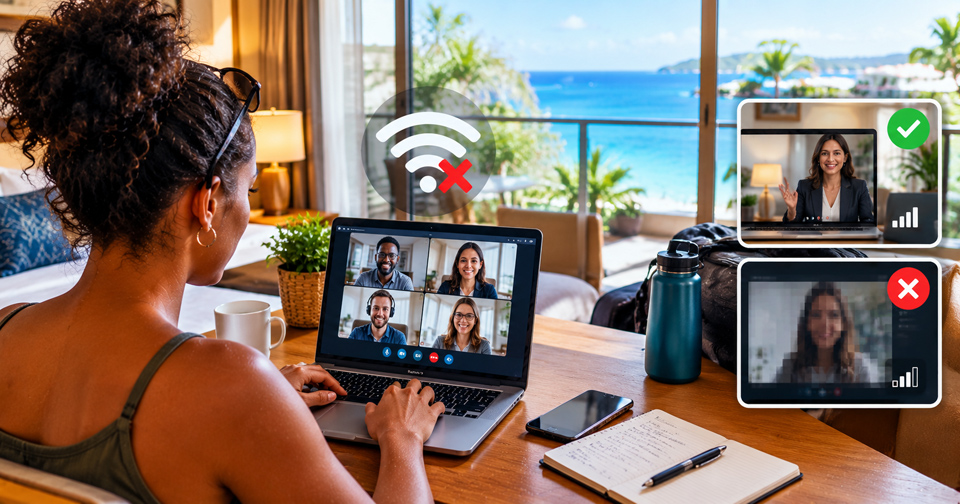
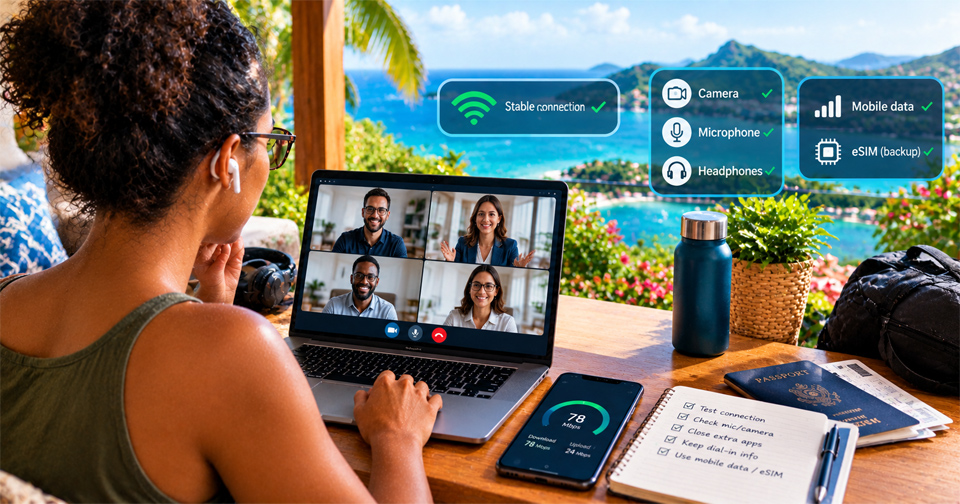
There is a big difference between opening a webpage and joining a video call with colleagues or clients. Video meetings need a reasonably stable connection. Fluctuating speeds, network congestion and weak signals can cause frozen video, delayed audio and dropped calls.Even if your connection is fast enough at one moment, it might not remain consistent throughout the meeting. Before an important call, test your connection and check your microphone, camera and headphones.
Close applications that are using unnecessary bandwidth, and keep a dial-in number or alternative way to contact participants if your meeting platform offers one. If you are staying somewhere with unreliable Wi-Fi, mobile data may provide another connection option.
However, performance depends on local network conditions, signal strength and the demands of your video meeting. A travel eSIM is a backup option to consider, not a guarantee that every call will run smoothly.
3. Why a Travel eSIM Can Be Useful for Remote Workers
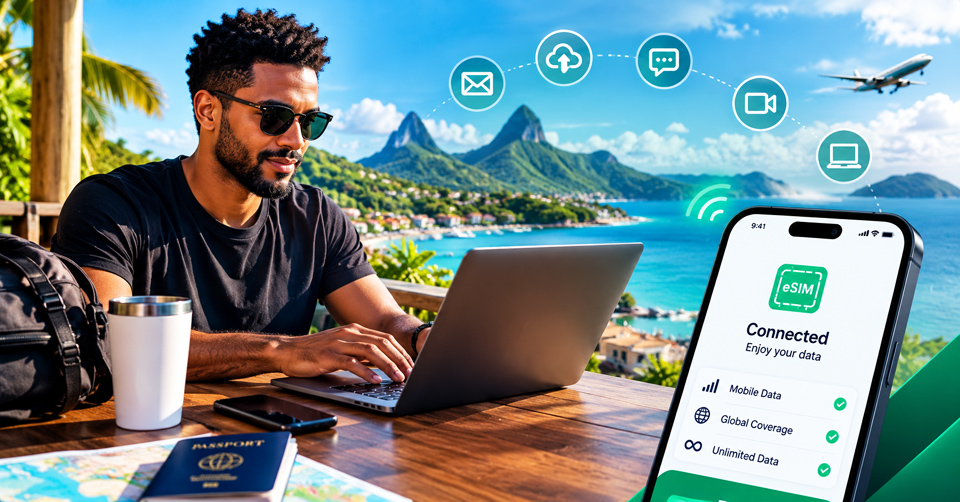
A travel eSIM lets compatible devices connect to mobile networks without requiring you to buy and insert a physical SIM card for every destination. Depending on the plan and coverage, it can provide internet access when you are away from your accommodation or when public Wi-Fi is unavailable.For remote workers, that can be helpful when checking email, accessing online documents, messaging colleagues or looking up information while travelling.
Holafly offers Unlimited Data eSIM plans for supported destinations. You can check your destination, device compatibility and plan conditions before departure, then follow the installation instructions to prepare your eSIM.
Having mobile data available can give you another way to get online when the hotel connection is unreliable. You should still check the local coverage and network conditions, especially if you have meetings that cannot easily be rescheduled.
One detail matters if you work across multiple devices: do not assume that a phone data plan automatically lets you connect your laptop through a hotspot. Check the applicable Holafly plan conditions and hotspot support before relying on this setup.
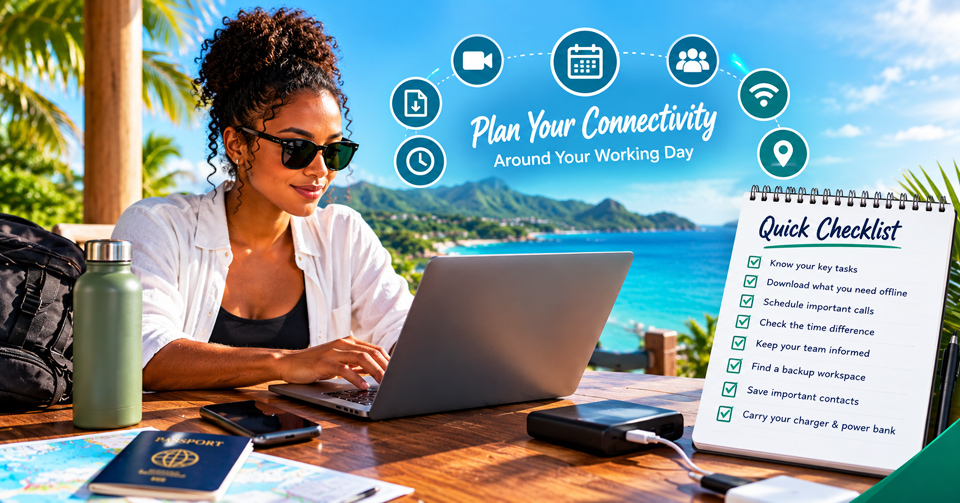
4. Plan Your Connectivity Around Your Working Day
A little planning can help prevent an internet problem from becoming a missed deadline.
Before travelling, identify the tasks that need a strong, stable connection. A video conference with a client is different from writing a document offline or responding to messages.
Try these practical steps:
- A video conference with a client is different from writing a document offline or responding to messages.
- Download documents you may need when offline, while respecting your company's security rules.
- Schedule important video calls when you can access a dependable connection.
- Check the time difference between your destination and your workplace.
- Keep colleagues informed if you will be travelling during normal working hours.
- Identify a backup workspace before you need one.
- Save important contact details and meeting information where you can access them offline.
- Carry your charger and a suitable power bank if you work on the move.
If your employer has rules about using public networks, accessing company systems abroad or working from particular countries, check those policies before departure. Some roles also involve data protection or regulatory requirements that a travel eSIM alone cannot address.
5. What About Working from Cafés, Trains and Airports?
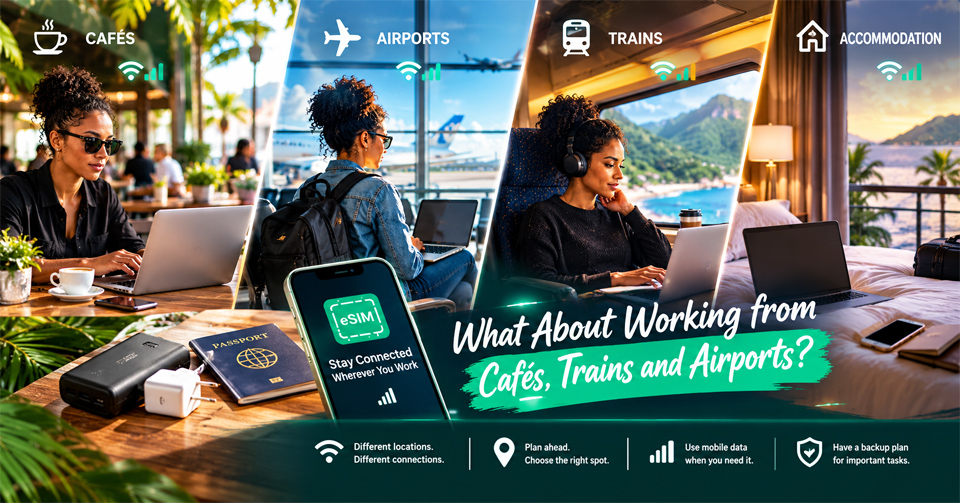
One of the attractions of remote work is the ability to change your surroundings. You might spend the morning in a café, head to the airport in the afternoon and finish a few tasks from your accommodation.The challenge is that connectivity changes with your location. A café may have a good signal at a quiet time but become congested at lunch. An airport connection may require you to sign in again. On a train, mobile coverage can vary along the route, particularly in tunnels or rural areas.
For low-bandwidth tasks, offline documents and downloaded resources can help you remain productive. For important meetings, choose a location with a suitable connection and a quiet environment rather than assuming you can join from anywhere.
Mobile data through a supported travel eSIM can help with everyday online tasks while moving between places. For a critical presentation or lengthy video call, however, it is sensible to have a dependable primary connection and a backup plan.
6. Holafly Unlimited Data and the Always On Backup Benefit
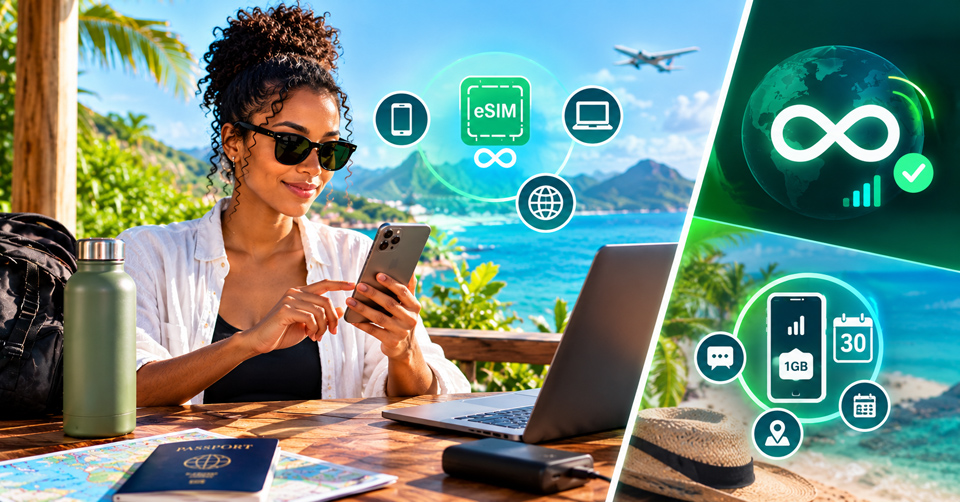
If staying connected is part of your working travel routine, Holafly is worth considering when choosing a travel eSIM. Holafly's Unlimited Data plans are available for supported destinations and can help you access online services without relying solely on public Wi-Fi.Check the specific plan details before buying, including coverage, activation, compatibility and any restrictions relevant to your devices and work applications.
There is also Holafly's Always On feature. It provides 1 GB of backup data every 30 days at no additional cost in supported destinations, subject to the applicable terms. That backup allowance can be useful for essential tasks such as checking a message, opening a map or confirming a booking after your main plan has ended.
It is not intended to replace your primary data allowance for a full working day or heavy video conferencing. Keep your Holafly eSIM installed on your device to retain the benefit.
Unused data does not roll over, hotspot sharing is not supported with Always On, and availability depends on the destination and applicable conditions. If your work depends on a laptop connection, check the hotspot rules for your chosen primary plan before travelling. You should also avoid assuming that the Always On allowance will support a laptop or other connected devices.
7. Make Room for Work Without Missing the Trip
Remote work abroad works best when you establish boundaries between working hours and free time. Plan your calls and focused tasks around the activities you want to enjoy.If you need to be online during a particular window, arrange your workspace and connection in advance. When your workday finishes, close the laptop and give yourself permission to experience the place you travelled to see.
Connectivity is part of that preparation, alongside accommodation, transport and a realistic schedule. Having a suitable data plan and a backup connection strategy can reduce some of the uncertainty, even though no provider can guarantee uninterrupted service in every location.






"Your 2026 Blueprint for Seamless Travel"
Pay For Travel With Crypto
From

DEAL ALERT!
Book Your Travel To New Or Favorite Destinations.
Pay With Cryptos And SAVE UP TO 60%!


Book With Expedia: And Start Exploring
Our Latest Video: My Road Trip With You | Travelwith2ofus | Travel Song
You may also like:
GADGETS | GEAR | TRAVEL | MERCH
 Travelling Solo? Your Phone Is More Than A Camera

FASHION

 7 Comfortable And Stylish Men Sandals
 6 Original Graphic A-Line Dresses To Make Your Summer Sparkle
DISCLOSURE:
We participate in the Amazon Services LLC Associates Program which allows us the opportunity to earn fees by linking to Amazon.com and affiliated sites.
We are also affiliates of the Viator, Inc. program which also allows us to earn a fee via their affiliate links from Viator.com.
tags
We love Paris. We love Curacao and beautiful beaches. We visit Caribbean, Latin American & European Destinations. View our travel photos, travel videos as we explore new cultures and places. Come travelwith2ofus.
a little about Us
Caribbean travel writer with a passion for Caribbean, Europe, the Americas and more. Travel tips, guides and advice to help you plan your next bucket list adventure.
Also a gadget lover.
get in touch
We are on the move most of the time but you can still catch up with us.


